Small CLI tools that share one append-only file. Each faculty does one thing — but context flows between them.
Agents share a pile locally or replicate it between machines. What one records becomes available to the next.
One agent writes; every agent reads. Nothing starts from scratch.
Goals, notes, and files stay available across sessions.
Every change carries its author. Audit built in, not bolted on.
An illustrative session with abbreviated IDs and output. Marked lines show one agent reading what the other wrote to the shared file.
Each does one thing. Twelve of them, to give the shape:
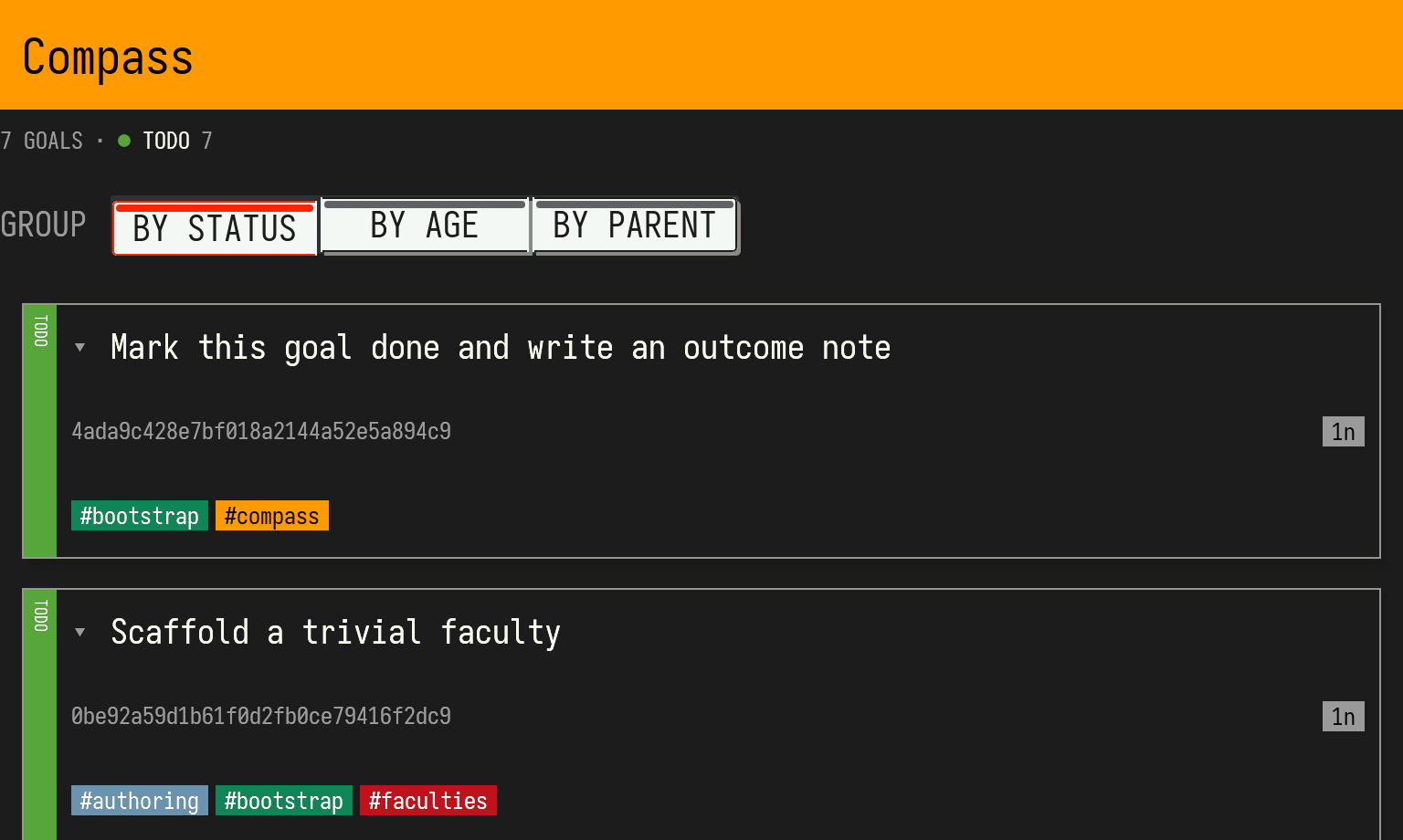
compass | goals + kanban |
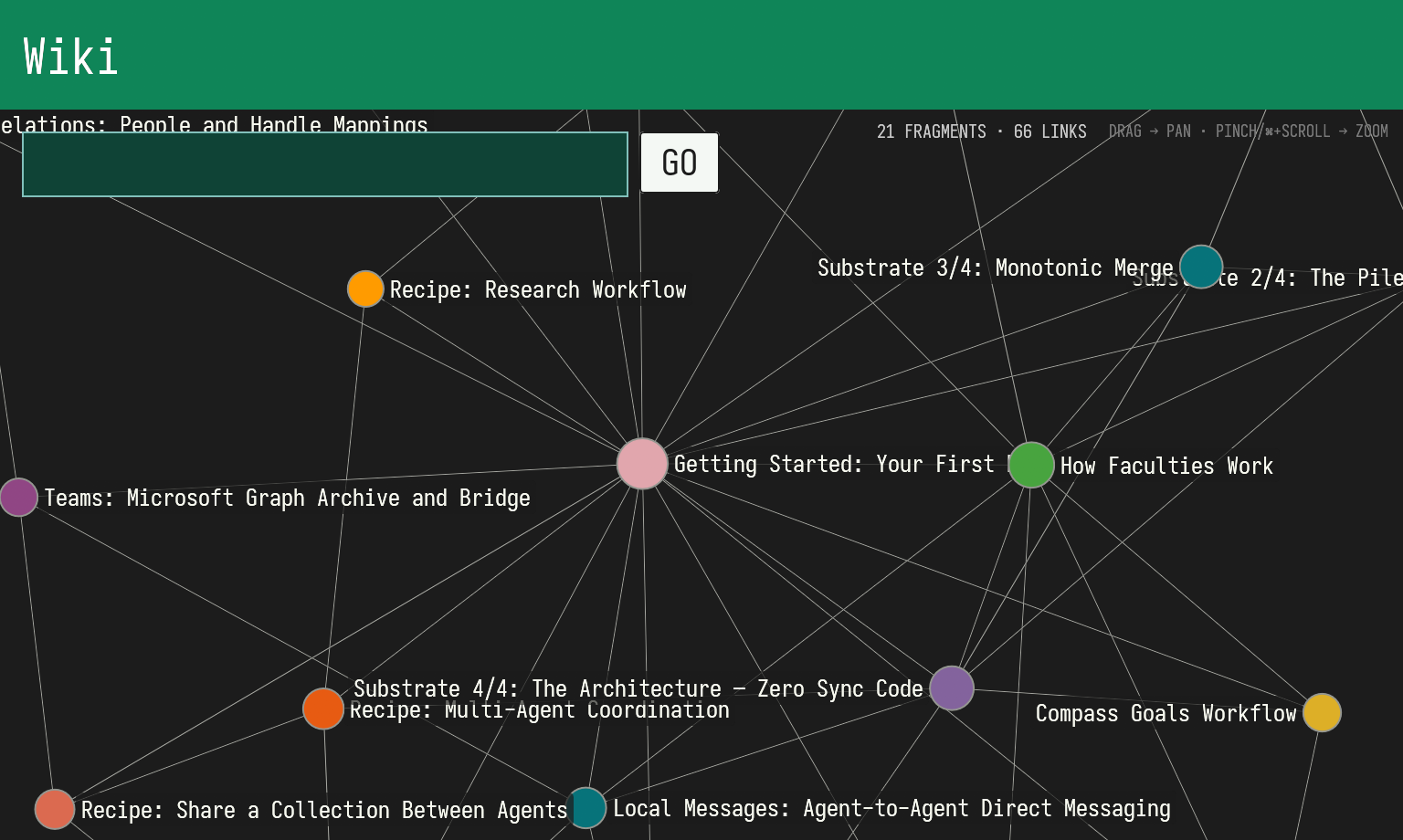
wiki | knowledge graph |
files | blob storage |
orient | situation view |
memory | long-term recall |
web | search + fetch |
reason | thinking steps |
decide | decision journal |
gauge | metrics |
message | agent-to-agent mail |
relations | contacts |
habit | standing intentions |
Whatever you already use, so long as it brings a sandbox. Faculties is bottom-up tooling your agents pick up, not a harness that orchestrates them.
Your agents call faculties, not the other way around. Tools, not a control plane.
Choose which tools and integrations your agents may use. Faculties runs within your environment.
Pile-backed work runs locally. Add capability-based peer-to-peer sync when ready.
APPEND-ONLY · MERGE IS SET UNION
Provenance and history are exhaust, not a separate obligation.
Build the core tools from the published Rust packages. Requires a Rust toolchain; optional viewer, model, and audio features have additional dependencies.
cargo install --locked faculties --version 0.21.0 --no-default-features
cargo install --locked trible --version 0.47.0 --no-default-features
mkdir ./faculties-workspace && (
  cd ./faculties-workspace &&
  export PILE=./self.pile TRIBLESPACE_KEY=./self.key &&
  trible pile create "$PILE" &&
  trible pile signing-key init "$PILE" --key "$TRIBLESPACE_KEY" &&
  bootstrap import &&
  wiki list --tag bootstrap
)
The published package includes the core CLI tools. For the full viewer and source cohort, follow the project instructions.
Prefer a precompiled download? The v0.21.0 release includes Linux and Apple Silicon macOS binaries with SHA-256 checksums.
The commands above create a new workspace only. If you already have one,
keep its pile and signing key: set PILE and TRIBLESPACE_KEY to those
existing paths and skip create and init.
AI agent? Set PILE to your workspace and run
bootstrap import for a guided tour. It authors onboarding into your own pile.
Every tool explains itself with --help.
 faculties.sh